Loading
Good
questions
Short, clear answers. If yours isn't here, write to us.
Getting started
What does TekPlatform do?
It turns a piece of work you love, or your own photo, into premium images and video: product ads, fashion videos, K-pop style clips, posters and more.
You don't write prompts or pick models. You say what you want; we carry the technical side.
Where should I start?
Two ways. Open something you like in Discover and press Make it mine. Or just say what you want, like “A 15-second ad from this product photo”.
Either way a short chat opens. We ask only for what's missing and move on as you approve.
What does Make it mine do?
It takes the idea of the piece you like and adapts it to your photo, product or brand. It reads the light, the edit and the mood, and rebuilds people, products, logos and text with yours.
It never makes a one-to-one copy, and the original creator is always credited.
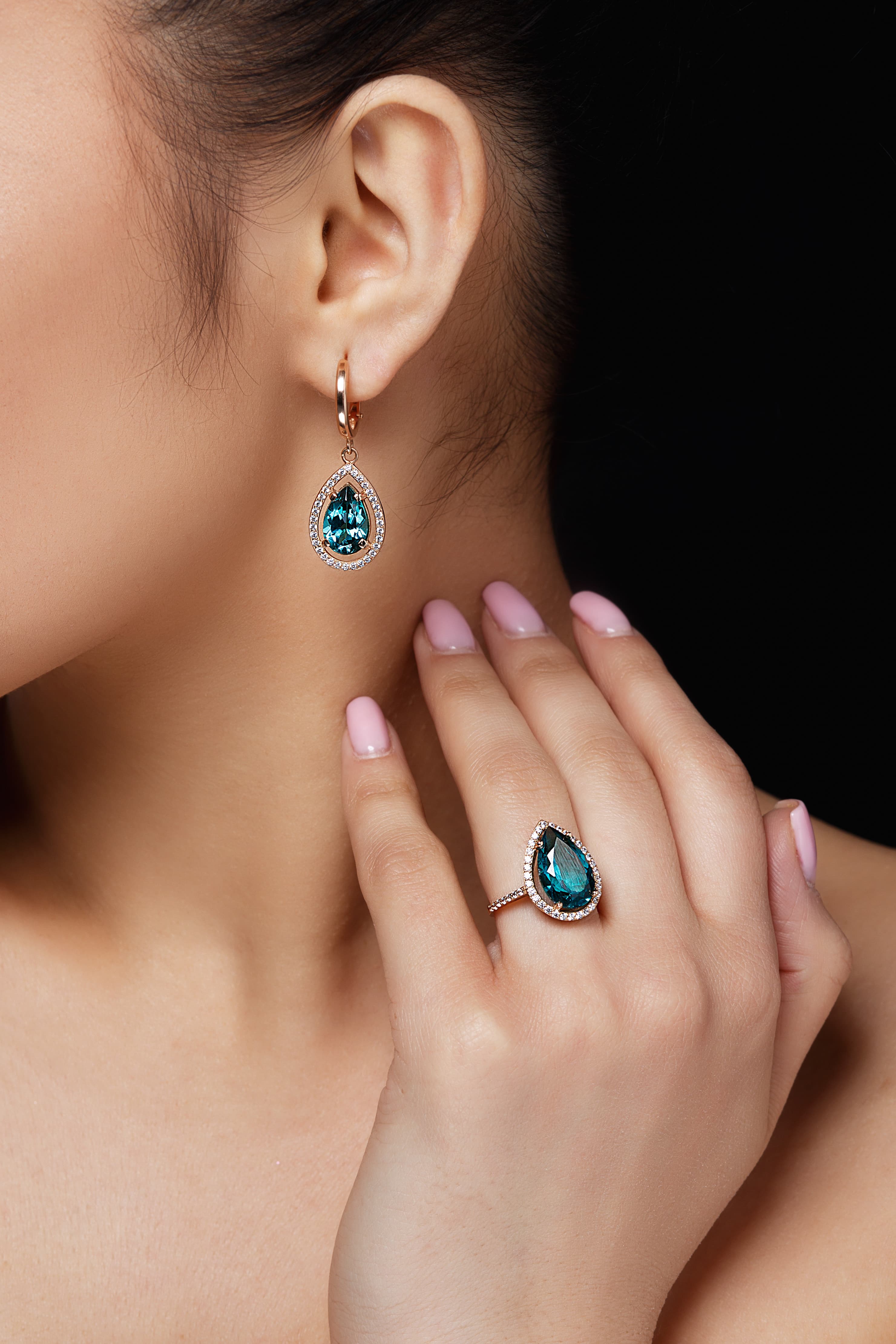
Photo: Magnific
Do I need to write prompts?
No. Plain language is enough, in Turkish, English or Spanish.
If you're curious, you can open the instruction sent to the model on the approval card, but you never have to edit it.
Can I try it for free?
Yes. You get 20 credits when you sign up, valid for 14 days, enough for a few images or Fitting Room try-ons. No card needed.
Videos need a plan, but you can see your video's plan and exact price before paying. Chat is free, with 30 messages a day before you choose a plan.
Approval and credits
Are credits spent before I approve?
No. Every paid job comes as an approval card first: what will be made, length, format and the exact credit price. Nothing is made and no credits are spent until you press Approve and create.
An approval card is valid for a short time. If it expires or you change something, the plan is prepared again and asks for your approval again.
What's on the approval card?
Your source, the short plan, length and format, and the exact credit price. You also see how many credits you'll have left.
If you don't have enough credits, the card says so clearly and shows your options; the approve button stays off.
Example
Production plan
15 s · 9:16 · 1080p · Sound
- The stone's petrol blue becomes the video's colour.
- Close shots of the ring and earrings, a calm luxury campaign.
120 creditsLeft after approval: 3,080 credits
How many credits does what cost?
A 15-second video from a photo or from text is 120 credits, a 10-second video 80 and a 5-second video 40. A 15-second video showing the same person in different worlds (K-pop style) is 240. Images are 1–24 credits depending on size and quality; a 1K image is 1–9. A Fitting Room try-on is 5 credits.
These are typical examples; the exact amount is always on the approval card.
What happens to my credits if a job fails?
Credits are only spent when a job finishes. When you approve, the price is set aside; if a technical error stops the job, the provider declines it, or a video doesn't finish within 30 minutes, the credits go straight back to your balance.
If the job finished but the result isn't what you had in mind, that isn't a failure and the credits aren't returned. You can ask for a change in the same chat; each change is a new job and is charged as one.
If you see something unexpected in your balance, write to us with the job link and we'll check the records one by one.
Plans and billing
What's the difference between plans?
Quality is the same on every plan: 1080p videos and images. Plans differ only in how much you create each month: Mini 360, Starter 1,250, Creator 3,200, Studio 8,600 credits.
Bigger plans cost less per credit; see Pricing for details.
What happens to credits I don't use?
Monthly credits belong to that month and don't roll over; a fresh allowance arrives when your plan renews. Monthly credits are always spent first.
Extra credits bought on Studio never expire. Welcome credits last 14 days.
What if I run out before the month ends?
Move up a plan whenever you like: you only pay the difference for the rest of the month, and the extra credits land in your account right away.
Studio is the largest plan, so on Studio you can add 2,200 credits that never expire for $49.
What happens if I cancel?
Cancel anytime in one step from Manage your plan on the Pricing page. Your plan stays active until the end of the period and you can use your remaining credits until then; you won't be charged again.
Can I get a refund?
If you haven't used any credits, you can ask for a full refund within the first 7 days of a new subscription by writing to info@tekplatform.ai from your account email.
We don't give partial refunds for used credits or the current period; rights you have under law are not affected.
What shows on my card statement, and is there tax?
Payments are processed by Stripe and appear as TEKPLATFORM.AI. We never store your card details.
Prices are in US dollars and exclude tax; any tax for your country is added at checkout, and you see the full total before you confirm.
Your photos and your brand
Who can see the photos I upload?
Your photos and creations are yours; they aren't listed in Discover or anywhere else. Discover only shows work we select.
Photos in My Selfies, your Fitting Room try-ons and clothing cutouts live in locked storage: even if a link is shared, they only open with your account. Other files are stored at unguessable links; nobody finds them unless you share the link.
Will my product and logo stay exactly as they are?
That's our priority. The plan aims to keep your product's colours, packaging and logo, and never adds features, prices or claims.
AI can still slip on small text and fine details. If something's off, ask for a fix in the same chat; a new version is made and the old one stays.
How do I remove the background from an image?
Add your photo to the chat and write “remove the background”. An approval card shows the credits first; nothing is charged until you approve. You get a PNG with a transparent background, and it stays transparent when you download it from the chat or My Gallery. You can also ask for a new logo, sticker or product image on a transparent background from the start.
The image model redraws the subject. It stays very close to your photo but isn't a pixel-for-pixel copy: it's usually centred and a little larger, and very small text or fine details can shift slightly.
Can I use what I create commercially?
Yes, the Terms of Use allow it explicitly: use it in your ads, your shop or on social media. We claim no ownership of your outputs.
Before publishing, it's your responsibility to check the result and hold the permissions for any people, brands or works in it.
Video
How long are the videos, and in what quality?
Every video is 1080p. The default length is 15 seconds; you can choose 10 or 5 seconds instead. Vertical, horizontal, square and formats in between are supported.
The format follows your photo; if your photo and where you want to post it disagree, we ask in the chat.
10 · 15 sVideo length
1080pEvery video
9:16 · 16:9Vertical, horizontal, square and more
Can I edit or extend a video I already have?
Yes, you can extend a video you made in TekPlatform: 5, 10 or 15 seconds are added at the end, picking up from the last frame. A video and its extensions run up to 30 seconds in total. In the chat where you made the video, just write "make this 5 seconds longer"; you can return to an older chat from History in My Gallery.
Like every job, the extension is prepared on a plan card; you see its credits there, and nothing is spent until you approve. The original stays in My Gallery as it is, and the longer version is added as a new video.
Changing a part inside a video and extending a video you bring from outside aren't possible yet. If you want a part to look different, for now ask for a new video with the same idea.
Why does a video take longer than an image?
A video isn't a single frame: motion, light and continuity between shots are worked out together, so it takes longer than an image.
Keep chatting while you wait; when it's done, the result appears in the chat and in My Gallery.
Account and support
Where do I find what I've made?
In My Gallery. What you made and your favorites sit in two tabs.
Is what I create public?
No. Your creations are private by default and only appear in My Gallery. Fitting Room try-ons can never be published.
A job was declined or got stuck. What should I do?
Providers decline some content, such as nudity, violence or misleading depictions of real people. No credits are spent on a declined job; the reserved amount returns to your balance. Change your request and try again.
If a video doesn't finish within 30 minutes, the job is closed and the credits come back. If something looks stuck, write to us with the job link.
Who can use TekPlatform?
Anyone aged 18 or over, or the age of majority where you live if that is higher.
What happens if I delete my account?
You can delete your account yourself under Settings → Account → “Delete account”, or write to info@tekplatform.ai from your account email. Your account, My Gallery items, My Selfies photos, Fitting Room try-ons and wardrobe are deleted, and your subscription is cancelled.
Download anything you want to keep first; this can't be undone.
Didn't find your answer?
For anything about your account, credits or a job, write to info@tekplatform.ai. Include your account email and the job link if you have one, and we'll look faster.